
If your eyes feel tight after a day on screens, or your sleep is all over the place, you’re not imagining it. A blue light screen filter can help, especially at night, but it’s only part of the comfort equation. Brightness, glare, and even overhead lights contribute to the problem. As a small, engineer-led team at Make Great Light, we spend our days solving lighting pain in offices, classrooms, and clinics. In this guide, we’ll explain what a screen blue light filter can and can’t do, how to choose one that fits your needs, and why fixing your overhead lighting with NaturaLux light filters is often the missing piece that makes everything feel better.
Why Blue Light From Screens Bothers Some People
You don’t have to be a gamer or a night owl to feel it. Some people are simply more sensitive to high-energy blue wavelengths from displays. Retinal cells that cue alertness react most strongly to blue light in the 470–480 nm range, the same band your phone and laptop lean on for bright, crisp whites. If you’re prone to migraines, photophobia, or dry eye, that stimulation can quickly tip into strain and headaches.
Blue Versus Brightness, Glare, And Flicker
Blue light gets the headlines, but other culprits often matter just as much:
- Brightness that’s too high for the room makes your pupils work overtime.
- Glare from glossy screens or overhead fixtures forces squinting and awkward postures.
- Subtle display flicker (including PWM dimming on some devices) can trigger fatigue in sensitive users.
A good blue light screen filter helps, but dialing back brightness, using a matte/anti-glare layer, and eliminating harsh overhead glare can deliver faster relief.
Circadian Timing And Evening Use
At night, blue light does more than irritate eyes, it confuses your body clock. Evening exposure suppresses melatonin, delaying sleep onset and nudging your schedule later. Warming your display’s color temperature (via Night Shift, Night Light, or a physical filter) 2–3 hours before bed reduces circadian disruption without turning everything orange. The short version: filter more after sunset, and lower overall brightness.
Types Of Screen Blue Light Filters
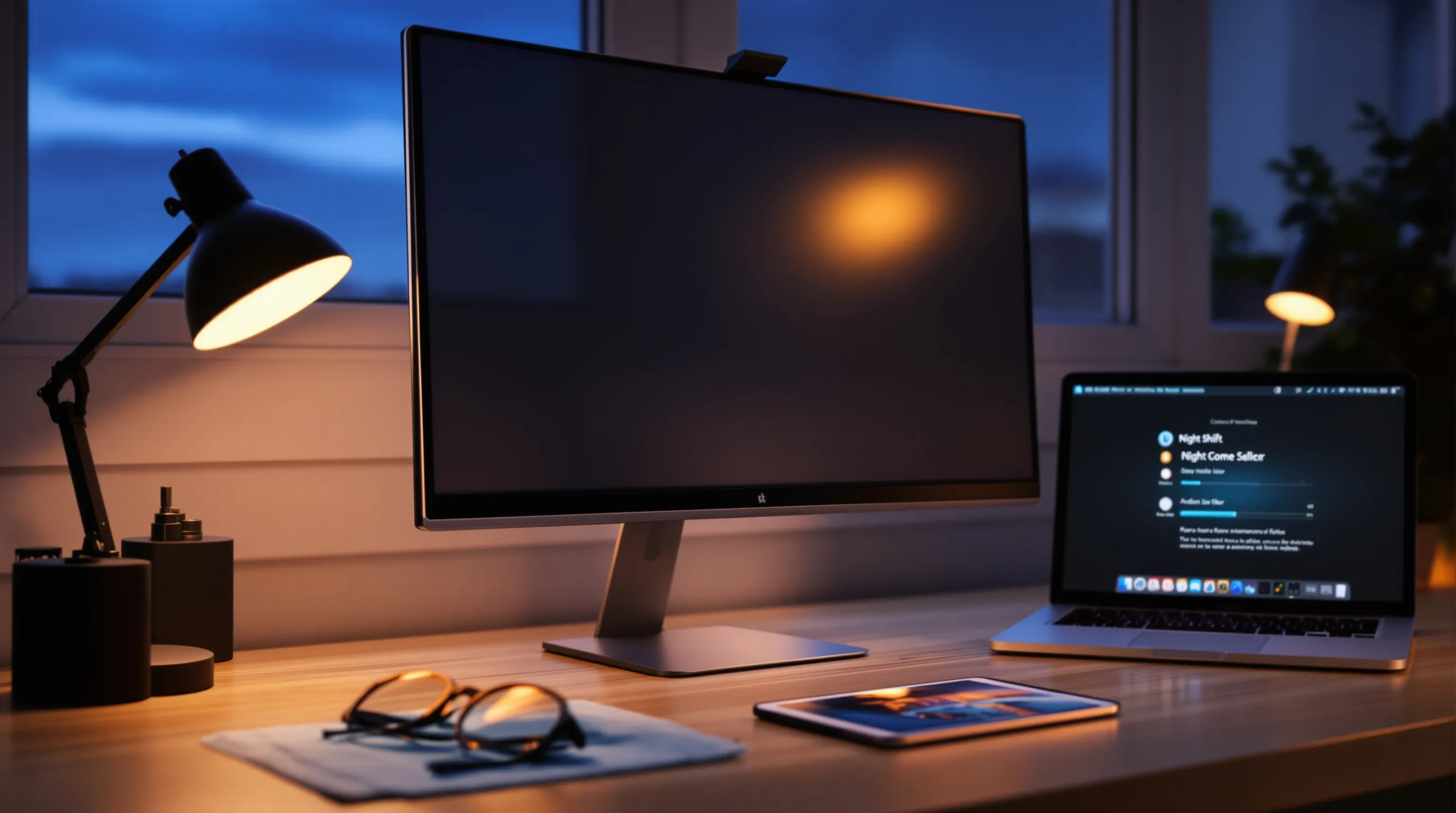
There’s no single “best” blue light screen filter, just the right tool for your context and sensitivity.
Built-In Software Settings
Night mode, Night Shift, and similar settings shift your screen toward warmer color temperatures. Pros: free, instant, and adjustable to your taste. Set warmth to maximum in the evening, then back off for color-critical work by day. Pair with lower brightness for the biggest win.
Clip-On And Adhesive Filters
Physical filters for monitors, laptops, and tablets reduce blue by roughly 30%–60% without major color distortion. Look for matte surfaces to cut glare, precise sizing to avoid edge halos, and easy removal for cleaning. If you already use a privacy screen, consider a 2-in-1 that also filters blue.
Blue-Blocking Glasses
Clear lenses typically block 10%–30% of blue light: amber or rose tints can block much more but shift colors. They’re handy for mobile work or shared devices. If you’re sensitive to flicker or glare, you may still want a screen layer or better ambient lighting on top of glasses.
What The Evidence Says About Benefits And Limits
There’s encouraging news, and some caveats, around blue light solutions.
Eye Strain And Headaches
Many users report relief with a blue light screen filter, especially when combined with reduced brightness and anti-glare. Clinical studies are mixed, though: glare, dryness, posture, and blinking rate can drive strain as much as blue wavelengths. Translation: tackle multiple factors together.
Sleep And Circadian Rhythm
Blue light in the evening can suppress melatonin and delay sleep. Warmer screens and lower brightness help, but the strongest results come from consistent habits (same wind-down window nightly) plus reduced overhead lighting intensity.
Migraines And Photophobia
For migraineurs and those with photophobia, heavier tints or highly effective filters may offer relief. Results vary person to person. If triggers include flicker and glare, changes to room lighting often deliver outsized benefits compared to screen-only fixes.
How To Choose The Right Filter For Work, School, Or Healthcare
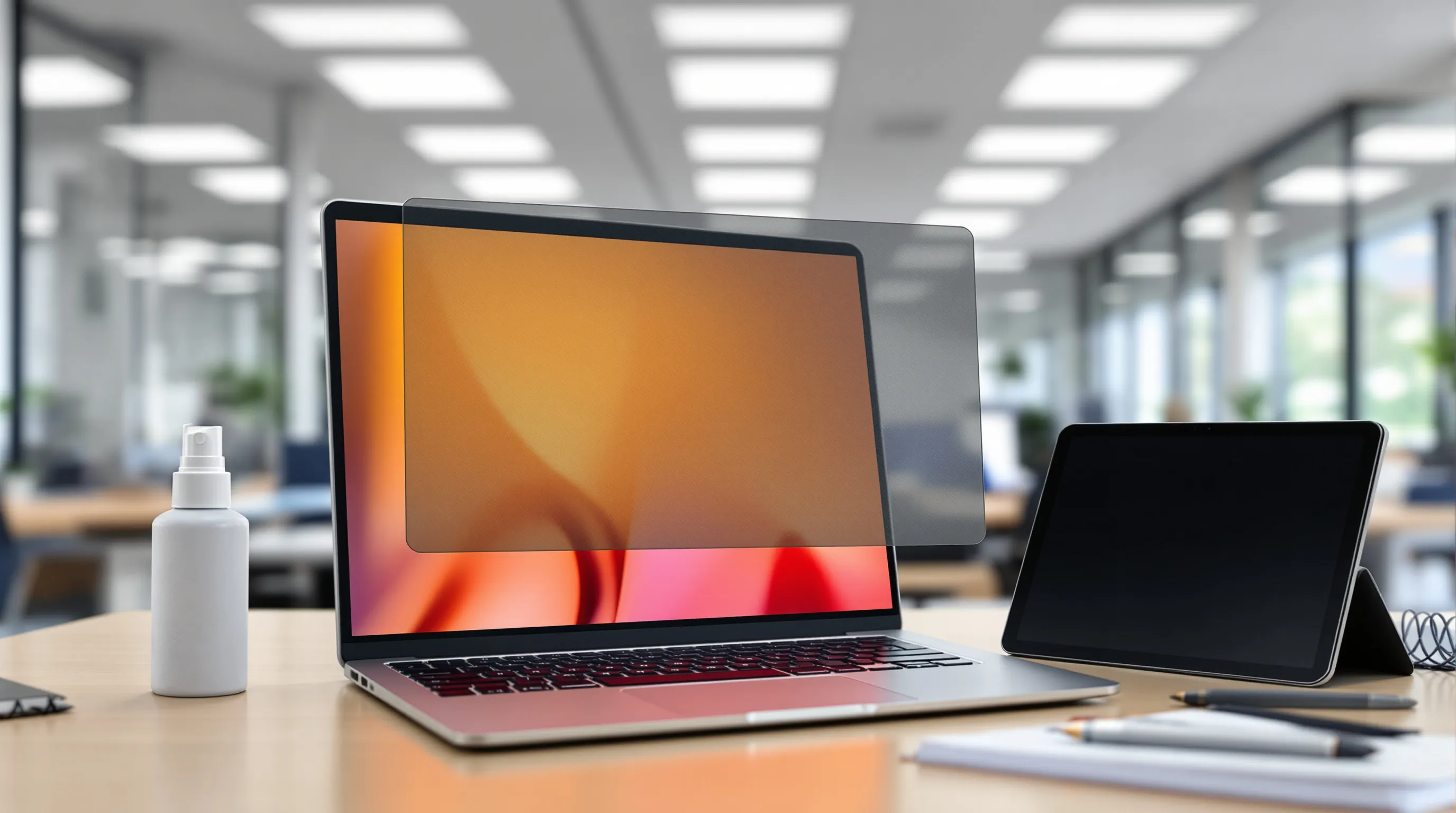
Picking a blue light screen filter is easier when you anchor to your real environment, who’s using the device, when, and under what lights.
Color Temperature Targets And Percent Blue Reduction
- Daytime office/classroom: modest filtering (30%–40%) keeps color accuracy usable.
- Evening and on-call work: stronger filtering or max “night mode” to minimize melatonin suppression.
- Design/radiology/clinical charting: consider software filters you can toggle quickly.
Aim for warm but legible, your eyes will tell you when you’ve gone far enough.
Anti-Glare, Privacy, And Touchscreen Compatibility
Matte finishes reduce reflections from overhead fixtures, huge for open offices and classrooms. Privacy options prevent shoulder-surfing in healthcare and finance, though they can dim the screen: you may need to bump brightness slightly to compensate. For tablets, ensure the protector preserves touch sensitivity and stylus accuracy.
Procurement, Cleaning, And Durability
Choose reputable brands with true-to-size fitment and hard coatings that resist scratches. For fleets, standardized sizes and easy-clean surfaces speed IT deployment. Clean with a microfiber cloth and a display-safe solution, oily films defeat anti-glare and make brightness creep up over time.
Beyond Screens: Fix Overhead Lighting To Reduce Glare And Blue Load
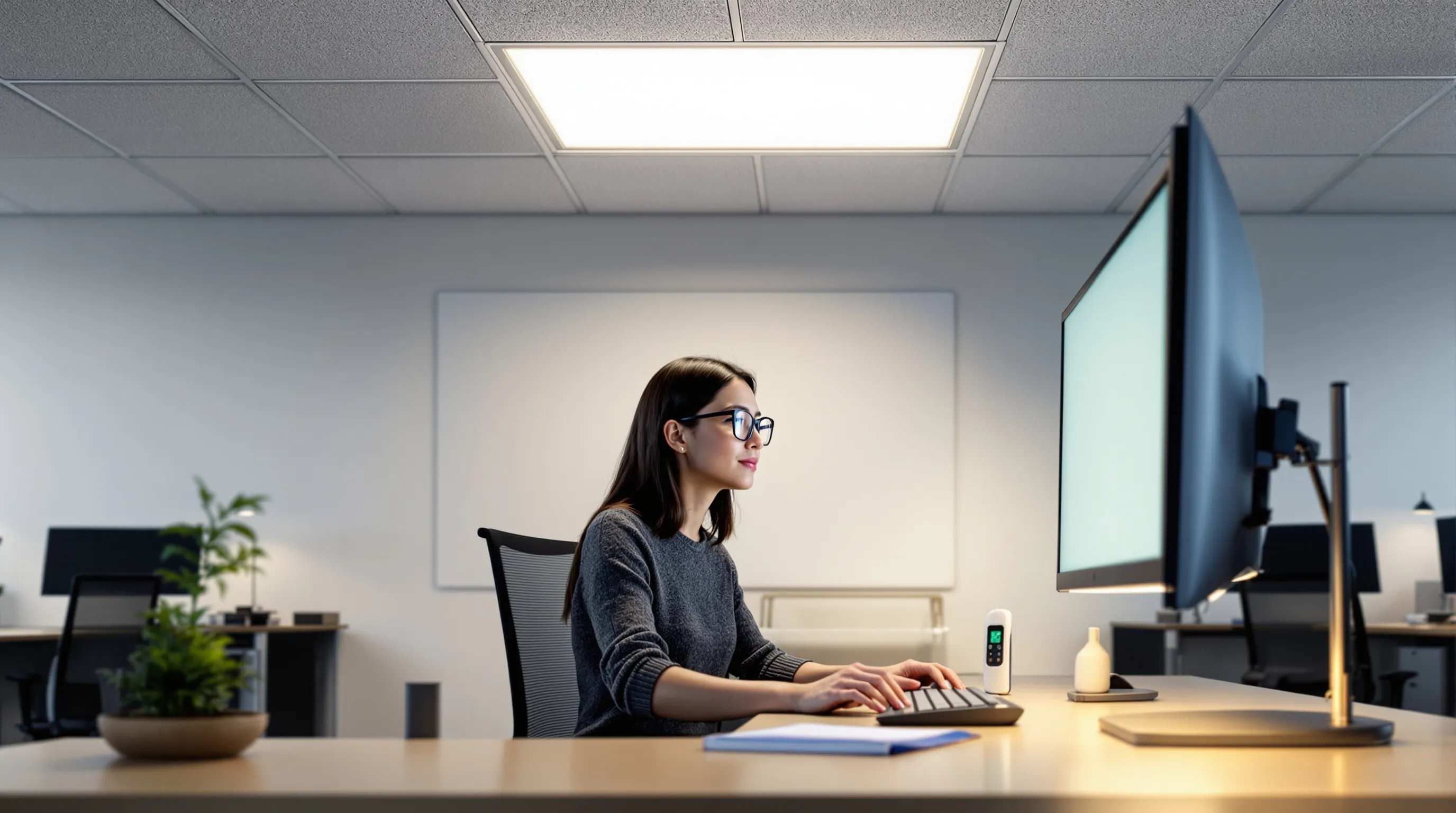
Here’s the truth we see every week in offices and classrooms: even the best blue light screen filter struggles if your overhead lighting is harsh, blue-heavy, or glaring straight onto displays. This is where Make Great Light comes in.
Ambient Versus Task Lighting And Recommended Lux Ranges
For screen-centric work, aim for 300–500 lux of ambient light, enough to navigate and take notes without washing out screens. Then add targeted task lights for reading or detailed work. If you find yourself cranking monitor brightness to compete with ceiling lights, the room is too bright or too glary.
Diffusers And Full-Spectrum Filtering For Fluorescent And LED
Our NaturaLux™ light filters are engineer-designed panels that install under fluorescent troffers or LED fixtures to soften glare, balance color, and absorb 100% of UV. They convert harsh output into a fuller, more natural spectrum that’s easier on eyes and better for focus. Users with migraines, photophobia, Irlen syndrome, or lupus often report fewer triggers once the overhead source is tamed. And unlike makeshift covers (cardboard, fabric, please don’t), NaturaLux filters are a safe, compliant way to improve lighting in commercial spaces.
Key benefits of NaturaLux:
- Diffuse and soften light to cut overhead glare on screens
- Balance color temperature for healthier, more natural lighting
- Absorb UV and reduce the blue-heavy feel common with bare LEDs
- Made in the USA, durable, and easy to install in most standard fixtures
Simple Facility Upgrades That Support Sensitive Users
- Add diffusers or NaturaLux full-spectrum filters to existing fluorescent/LED fixtures.
- Choose warmer lamps (below 3000 K) in lounges and evening-use areas.
- Use matte finishes on walls and monitors to reduce bounce glare.
- Provide adjustable task lighting so users can personalize their desk without overlighting the room.
A small ceiling change can make every blue light screen filter work better, because you’ve lowered the background “blue load” and the glare that pushes eyes to the edge.
Setup Checklist And Best Practices
A few practical moves go a long way. Use this as your quick pass.
For Individuals
- Enable your device’s night mode and schedule it to ramp up at sunset.
- Add a matte, well-fitting blue light screen filter for glare and blue reduction.
- Drop brightness until it’s comfortable: bump text size instead of brightness.
- Follow the 20-20-20 rule and blink more, dryness masquerades as eyestrain.
- If headaches persist, evaluate your room lights: consider a desk lamp and softer overheads.
For Classrooms And Offices
- Standardize device settings (night mode after hours) and provide matte screen protectors.
- Install overhead diffusers or NaturaLux filters to reduce glare across the entire room.
- Target 300–500 lux ambient lighting: add task lights rather than over-brightening ceilings.
- Share simple ergonomics guidance: monitor at arm’s length, top of screen at eye height, no reflective windows behind you.
Conclusion
A blue light screen filter can definitely help, especially at night and in bright rooms, but it’s not a magic wand. Real relief comes from a layered approach: dial down brightness, reduce glare, optimize your work setup, and fix the overhead lighting that sets the stage for comfort. That last step is where Make Great Light’s NaturaLux™ filters shine, turning harsh fixtures into healthy, full-spectrum light. If you’ve tried software and glasses and still feel strained, give the ceiling some love. Your eyes, and your sleep, will notice.